Cover Up Tattoo Generator
Design a new tattoo from a reference photo and see it on a body mockup. This tool helps you plan a darker, bolder piece that can cover an existing tattoo; it does not blend over your old ink.
Start with a photo

No photo handy? Try one of ours:
Compare styles
Try it on
Where will it go?
Cover-up ideas that hide old ink
The examples below are simple line drawings made for this page. Use them as a starting point, then build the design from a photo of your own.
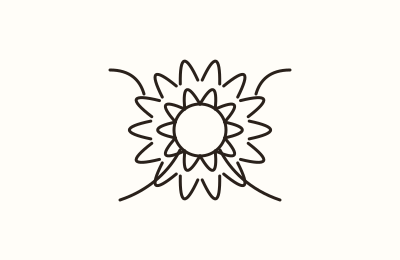
1. Dense florals
A cluster of dark roses or peonies with heavy shading covers old ink well. The overlapping petals hide details underneath.
2. Animal portrait with dark background
A bold animal face surrounded by blackwork or heavy shading creates a solid dark area. This is effective for covering larger old tattoos.
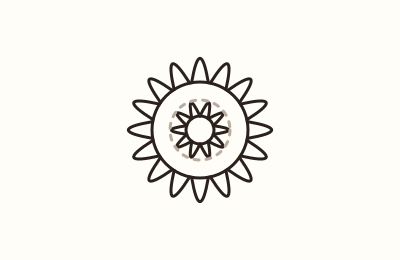
3. Mandala
Intricate mandala patterns with thick lines and filled sections can disguise an old tattoo. The symmetry draws attention away from the original design.
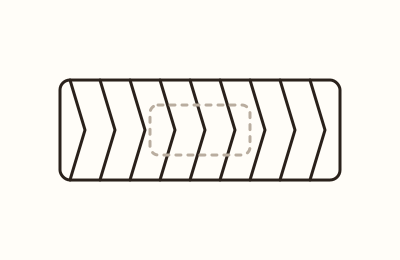
4. Blackwork band
A solid or patterned black band around an arm or leg covers old tattoos in that area. It can be as wide as needed to cover the old ink.
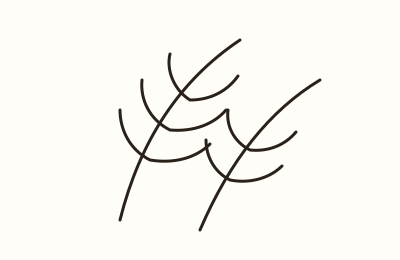
5. Feathers
Layered feathers with dark shading create texture that hides old lines. Use a cluster of feathers to cover a larger area.
6. Geometric shapes
Bold geometric designs with filled polygons and thick outlines provide strong coverage. They can be adapted to fit the shape of the old tattoo.
7. Dark landscape
A night sky or forest scene with heavy black areas can cover old ink. The natural darkness of the scene helps conceal the original.
8. Ornamental patterns
Filigree, lace, or tribal patterns with dense black lines and dots cover well. They can be customized to flow with the body.
How to plan a cover-up
How cover-ups work
A cover-up tattoo is a new design placed over an existing one. The new ink must be darker and denser than the old tattoo to hide it. Common approaches include blackwork, heavy shading, and bold outlines.
In some cases, laser fading is used first to lighten the old tattoo, making it easier to cover. Your artist will assess your old tattoo and recommend the best approach.
- New design is usually larger and darker than the old tattoo.
- Blackwork and dense shading cover best.
- Laser fading can lighten old ink before covering.
- Artist plans the cover-up; this tool helps you design the new piece.
Choosing designs that cover well
Designs with large dark areas, dense patterns, or bold outlines work best for cover-ups. Avoid designs with lots of negative space or fine lines that let the old tattoo show through.
Use the tool to generate previews from your reference photo. Try the AI line-art option to get a clean outline, then adjust size and placement on the mockup.
- Dense florals, animal portraits with dark backgrounds, mandalas, blackwork bands, and feathers are good choices.
- Avoid light colors and thin lines.
- Use the try-on feature to check size and placement.
- Download the stencil PDF to share with your artist.
Sizing rule of thumb
As a general rule, the new design should be notably larger than the old tattoo—often at least 1.5 to 2 times the size. This gives the artist enough room to work the new ink around and over the old.
The try-on mockup shows the design on a forearm, wrist, shoulder, ankle, or back with size in centimeters. Adjust the size and angle to see how it fits.
- Bigger is usually better for cover-ups.
- Use the mockup to compare sizes.
- Consider the shape of the body part.
- Your artist will confirm final size.
Working with the artist
Bring your reference photo, the generated previews, and the stencil PDF to your consultation. The artist will assess your old tattoo and plan how to cover it.
Be open to their suggestions—they may recommend a different design, size, or laser fading to get the best result.
- Share your reference and previews.
- Discuss color, density, and placement.
- Ask about laser fading if needed.
- Follow aftercare instructions.
Using the tool
Upload a photo, and the browser draws fine-line, blackwork, watercolor, and minimal previews. The AI line-art option removes the background and draws a clean outline (first preview is watermarked; more with a paid pack).
Try the design on a forearm, wrist, shoulder, ankle, or back mockup. Adjust size in centimeters, angle, and skin tone. Add optional name or date text, then download a full-size PNG and print-ready stencil PDF.
- Upload a reference photo.
- Generate previews in four styles.
- AI line-art for clean outlines.
- Try on different body parts.
- Download PNG and stencil PDF.
Related: placement preview · sizes by placement · tattoo styles · find an artist who does cover-ups.
One price, everything included
20 designs
Full-size PNG + stencil PDF · one-time payment
- Renewal: none. One-time payment; designs never expire.
- Refund: used 3 designs or fewer within 7 days, full refund. Failed designs are re-credited automatically. Refund policy
- Commercial use: personal and commercial licence, including handing the design to your tattoo artist. Terms
- Your first watermarked AI preview is included; full-resolution designs come with a pack.
- Need more?
Monthly renews each billing month until you cancel; cancel any time from the link in your Dodo Payments receipt email before the renewal date to avoid the next charge. Full pricing
Cover-up tattoo questions
Does this tool cover my existing tattoo?
No. The tool does not see or blend over your existing tattoo. It helps you design a new, darker, bolder piece from a reference photo and check size. Your artist plans how it covers the old ink.
What styles can I generate?
The browser draws fine-line, blackwork, watercolor, and minimal previews. There is also an AI line-art option that removes the background and draws a clean outline.
Is the AI line-art preview watermarked?
Yes, the first AI preview is watermarked. You can get more with a paid pack.
Can I see the design on my body?
Yes. The try-on feature shows the design on a forearm, wrist, shoulder, ankle, or back mockup. You can adjust size in centimeters, angle, and skin tone.
What can I download?
You can download a full-size PNG and a print-ready stencil PDF.
How do I choose a design that covers well?
Choose designs with large dark areas, dense patterns, or bold outlines. Avoid designs with lots of negative space or fine lines. Use the tool to preview and adjust size.